Why Robot Data Now Needs Words
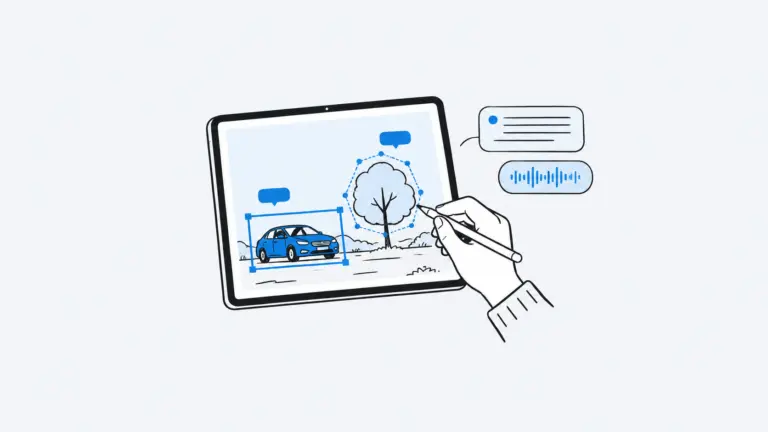
A few years ago, most robot learning datasets were trajectories: camera frames, joint states and actions. The new generation of vision-language-action (VLA) models takes a language instruction as input and is expected to follow it. To learn that mapping, every training episode needs text attached to it.
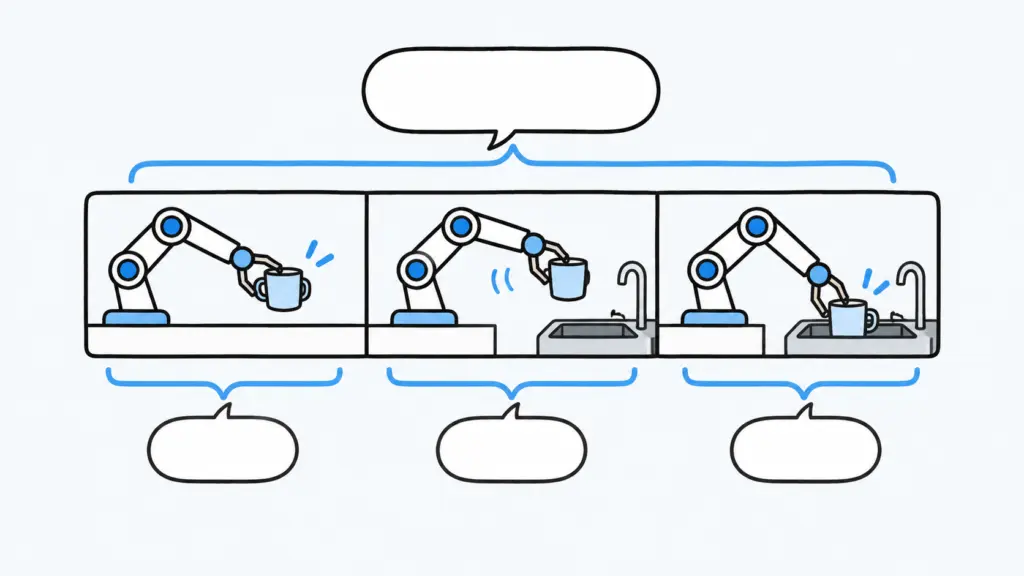
That text comes in three common forms:
- Task instruction: the goal of the whole episode, for example “Put the blue cup in the sink.”
- Subtask label: the step happening in one segment of the episode, for example “Pick up the cutting board.”
- Caption: a detailed description of what happens in a clip, covering objects, motion and contact.
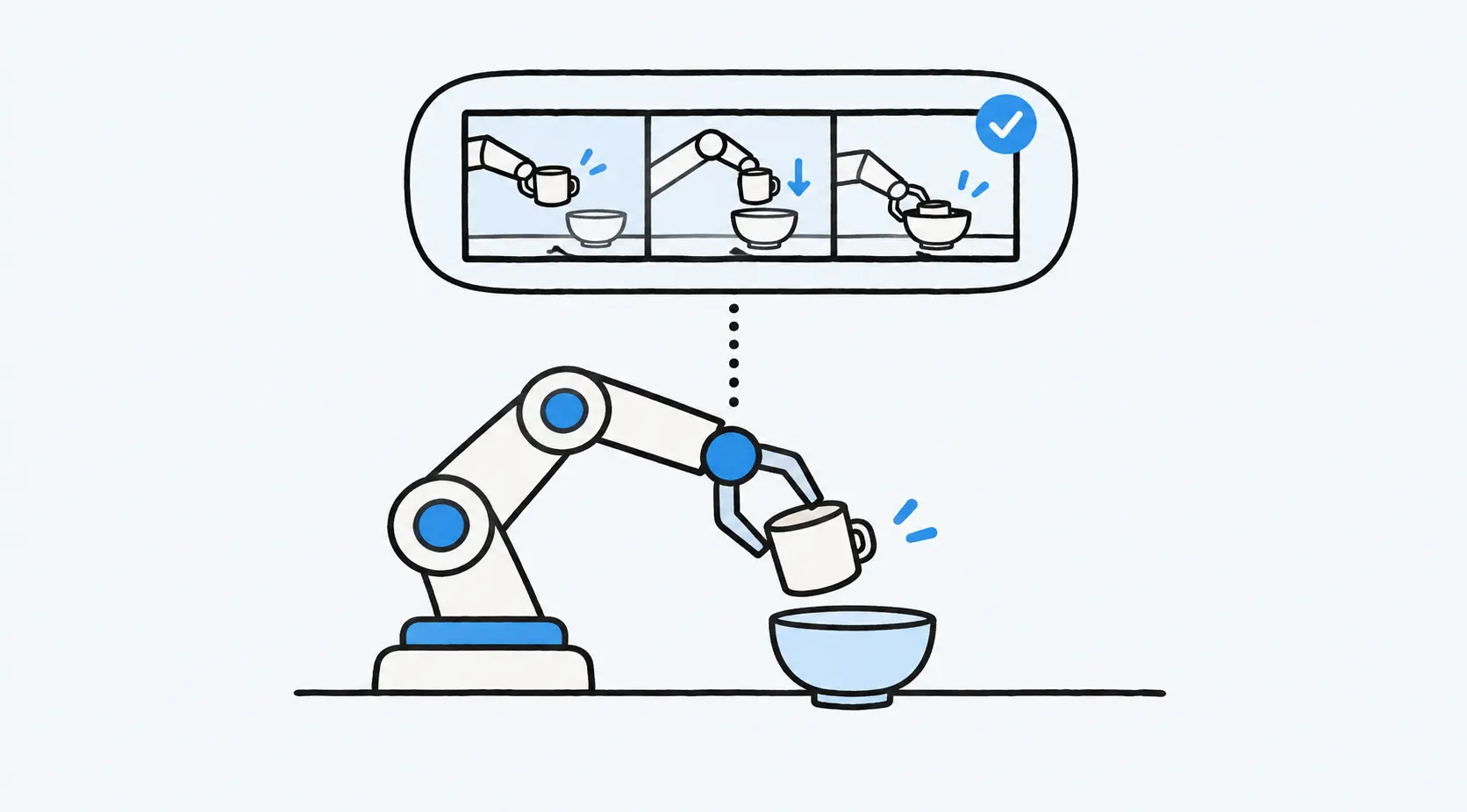
The words are not decoration. In the π0.5 paper from Physical Intelligence, the model first predicts a subtask in natural language, then predicts low-level actions based on it. The authors report that the variant trained without this high-level subtask data “performs significantly worse.”
For the wider picture on why robot data is scarce and expensive, see Physical AI Has a Data Problem Compute Can’t Solve.
Who Writes the Labels: Four Approaches in Recent Datasets
Public robot datasets use very different ways to produce language labels. Here is what four recent papers say about their own methods.
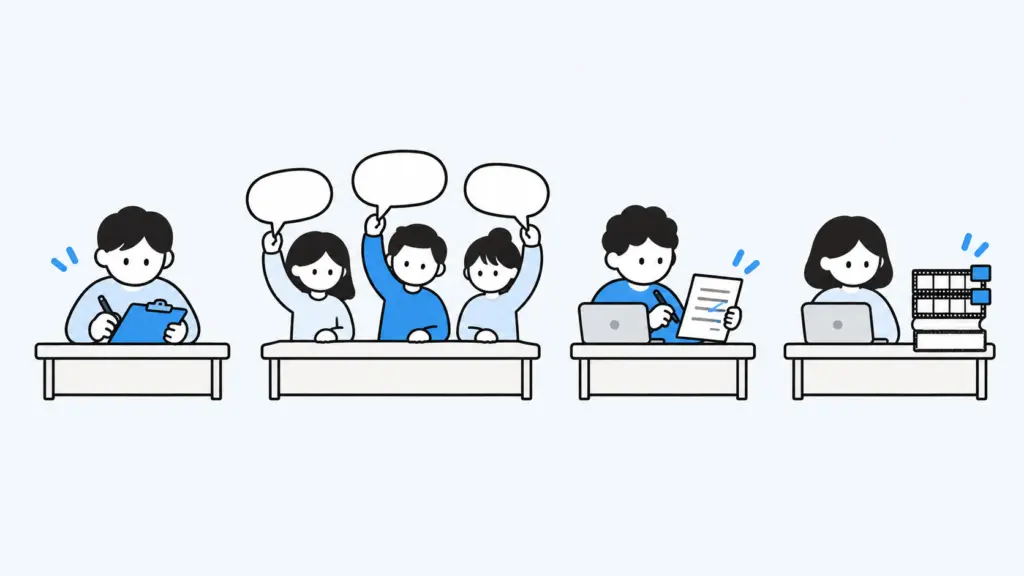
Fully manual labels. π0.5 is the clearest example of hand labeling. Its team trained on about 400 hours of mobile manipulation data from about 100 homes and writes: “we manually annotate all data with semantic descriptions of the subtasks.” Manual labels give the most control over wording and boundaries. They are also the slowest option, and the cost grows with every hour of data.
Crowdsourced instructions. DROID, with 76k trajectories and 350 hours of data from 564 scenes, labeled each episode after collection through crowdsourcing, with “up to three independently labeled instructions per episode from different crowd workers.” The later annotation release on Hugging Face provides three annotations for more than 95% of its 75k successful episodes.
Three instructions per episode is a useful design choice. People describe the same action in different words, and a model trained on several phrasings is less tied to one annotator’s style. Disagreement between the three also flags episodes worth a second look.
Model drafts, human refinement. RoboMIND 2.0, with 310K dual-arm trajectories and over 1K hours, states that “all annotations are generated automatically using the large language model Gemini 2.5 Pro.” A figure caption in the same paper adds that the segment descriptions “were initially generated by Gemini and subsequently manually refined.” Long tasks are split at a rule-based point: the switch between navigation and manipulation.
This is the pre-labeling and human-in-the-loop pattern applied to language: the model writes the first draft, and people correct it.
Model labels on part of the data. GigaBrain-0 explains the trade-off directly. Its authors write that vision-language models (VLMs) “struggle to accurately segment long-horizon tasks into meaningful subgoals,” while “manual segmentation proves prohibitively time-consuming.” Their answer has two parts:
- Segment trajectories automatically, then use Qwen-VL-2.5 to write a language label for each segment, constrained by “a structured template” to limit hallucination.
- Label only a subset, and train on “a mixture of fully annotated, partially annotated, and raw unannotated trajectories.”
Captions at Scale: The World Model Case
World models for physical AI use language labels too, at a much larger scale. NVIDIA’s Cosmos paper describes about 20 million hours of raw video cut into about 100 million clips. Each clip gets a caption from an internal 13-billion-parameter VILA model fine-tuned for video captioning. Captions average 97 words.
At that volume, no human team writes captions. But people were still involved: the authors chose VILA because it “generates more accurate descriptions based on a small-scale human evaluation.” Human judgment moved from writing every label to choosing and checking the labeling model.
Where Language Labels Go Wrong
The papers above say little about error rates in their own labels, so we can’t give general numbers. A public example still shows typical failure types.
A community audit of a 100-episode port of DROID on Hugging Face (one user’s post, not an official evaluation) reported:
- 25 episodes with blank instructions, although full annotations existed in the source release
- 32 episodes carrying one instruction where three were available
- 19 episodes from failure folders shipped without a success or failure flag
- One episode marked successful where the object seems to drop mid-motion, and one instruction with the wrong movement direction
Most of these problems were not caused by the original annotators. They appeared when data moved between formats. Language labels have to be checked after every conversion, not only once at the source.
From these cases, five failure types are worth testing for:
- Missing or truncated labels: episodes with no instruction, or fewer than expected.
- Wrong direction or relation: “left” for “right,” “on” for “in.” One wrong word changes the task.
- Lost detail: “pick up the tape” where another annotator wrote “pick up the masking tape.” The specific object matters for instruction following.
- Success label mismatch: the instruction describes a goal the robot never reached.
- Model hallucination: a VLM names an object that is not in the scene or an action that did not happen. GigaBrain-0’s structured template exists to limit exactly this.
How to Check Language Labels Before Training
None of the papers we reviewed publishes a full QA process for language labels. The checks below are our recommendations, based on the failure types above.
Fix the vocabulary first. Write a short style guide before labeling starts: an approved verb list (pick, place, push, open, pour), how to name objects (color plus type, “blue cup”), and how detailed a subtask should be. Without it, ten annotators produce ten phrasings for the same step, and an audit can’t tell variation from error. For VLM drafting, the same rules become the template.
Check labels against the whole episode. A reviewer needs the whole episode in view: video from every camera, plus the gripper state if it is recorded. Direction errors and success mismatches are invisible on a single frame. The same problem is sharper for first-person footage, as covered in Why Egocentric Video Is the Hardest Robotics Data to Annotate.
Use disagreement as a signal. When an episode has several instructions, compare them. If three annotators name three different objects, the episode is ambiguous or one label is wrong. The same logic applies when a model and a human both label a sample. Our guide to inter-annotator agreement covers how to measure this.
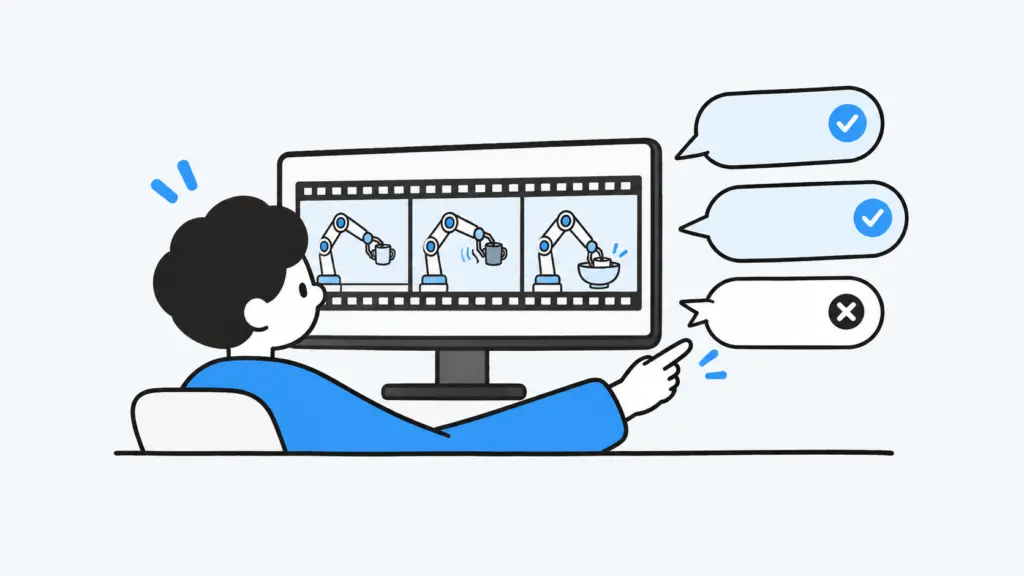
Tie instructions to outcomes. An instruction is only correct if the episode actually did what it says. Keep an explicit success or failure field next to every instruction, and review episodes where the two disagree. Outcome labels matter on their own too: the Demo-SCORE study (arXiv 2503.03707) filtered demonstrations using a classifier trained on the robot’s own successful and failed attempts, and reports a 15-35% higher absolute success rate than training on all of them.
Run automatic checks after every export. Simple scripts catch the issues found in the DROID port audit: count labels per episode, flag empty strings, check that every episode has a success field and compare the number of distinct instructions before and after conversion.
What This Means for Your Data Plan
A practical plan, based on what the datasets above did:
- Small, high-value datasets: label by hand, like π0.5. Every phrase is checked.
- Large datasets: let a VLM draft within a fixed template, then have people refine boundaries and wording, like RoboMIND 2.0.
- Very large video corpora: use model captions, but evaluate candidate captioning models with people first, like Cosmos, and keep sampling outputs for review.
- Any size: collect more than one phrasing where you can, and treat the success flag as part of the label.
Language labels are short, so it is tempting to treat them as metadata. In a VLA dataset, they are the part of the label the model is asked to obey.
About Smart Annotahub
Smart Annotahub is a managed data annotation company based in Ha Noi, Viet Nam. Our in-house annotators, QA leads and project managers turn raw image, video, 3D, geospatial, text and audio data into training-ready datasets for teams building computer vision, robotics and language AI. Every project starts with a free pilot, runs on your guidelines and tools, and ships with multi-stage quality checks.
Our Services
Frequently Asked Questions
How does the free pilot work?
Send us a sample of your data and your guidelines. We annotate it at no cost, report accuracy and turnaround, and return a precise quote, usually within a few working days.
How do you ensure annotation quality?
Every batch passes annotator self-checks, peer review and a dedicated QA lead. We agree accuracy targets up front and share QA reports with each delivery.
Can you work in our annotation tool?
Yes. Our team works in your platform or ours and delivers in the formats your pipeline expects, such as COCO, YOLO, Pascal VOC or custom JSON.
How is my data kept secure?
All work is done by our in-house team under NDA, with role-based access and no data leaving approved environments. See our Data Privacy Notice for details.
How is pricing calculated?
Per object, per hour or per project, depending on the task. See Pricing for reference rates, or request a pilot for an exact quote.
Want to see the difference on your own data?
Request Free Pilot